Write a Minimal Contract
In this lesson, you'll use the concepts from the previous lesson (Package, Module, Object) to write a real, working contract. Don't worry — it's simpler than it sounds. All you need is one struct and two entry funs for a counter.
Prerequisites
- Completed Create a Move Project
- Read Learn Move Mechanics
- If using VSCode: Sui Extension installed
Write the Contract
Here's the complete counter contract. Read through it — then choose how you want to try it out in the next section.
module my_first_package::counter {

    /// Counter object
    public struct Counter has key {
        id: UID,
        value: u64,
    }

    /// Create a counter and transfer it to the sender
    entry fun create(ctx: &mut TxContext) {
        let counter = Counter {
            id: object::new(ctx),
            value: 0,
        };
        transfer::transfer(counter, ctx.sender());
    }

    /// Increment the counter value by 1
    entry fun increment(counter: &mut Counter) {
        counter.value = counter.value + 1;
    }
}
Try It Out
You can try this contract in two ways — pick whichever suits you.
Option A: Move Playground
No local setup required. Edit, compile, and publish directly in your browser.
Build ready.
Option B: VSCode + CLI
Open my_first_package in VSCode, then open the .move file inside the sources/ folder.
When you ran sui move new my_first_package, the file sources/my_first_package.move was auto-generated. Replace the entire contents with the contract above.
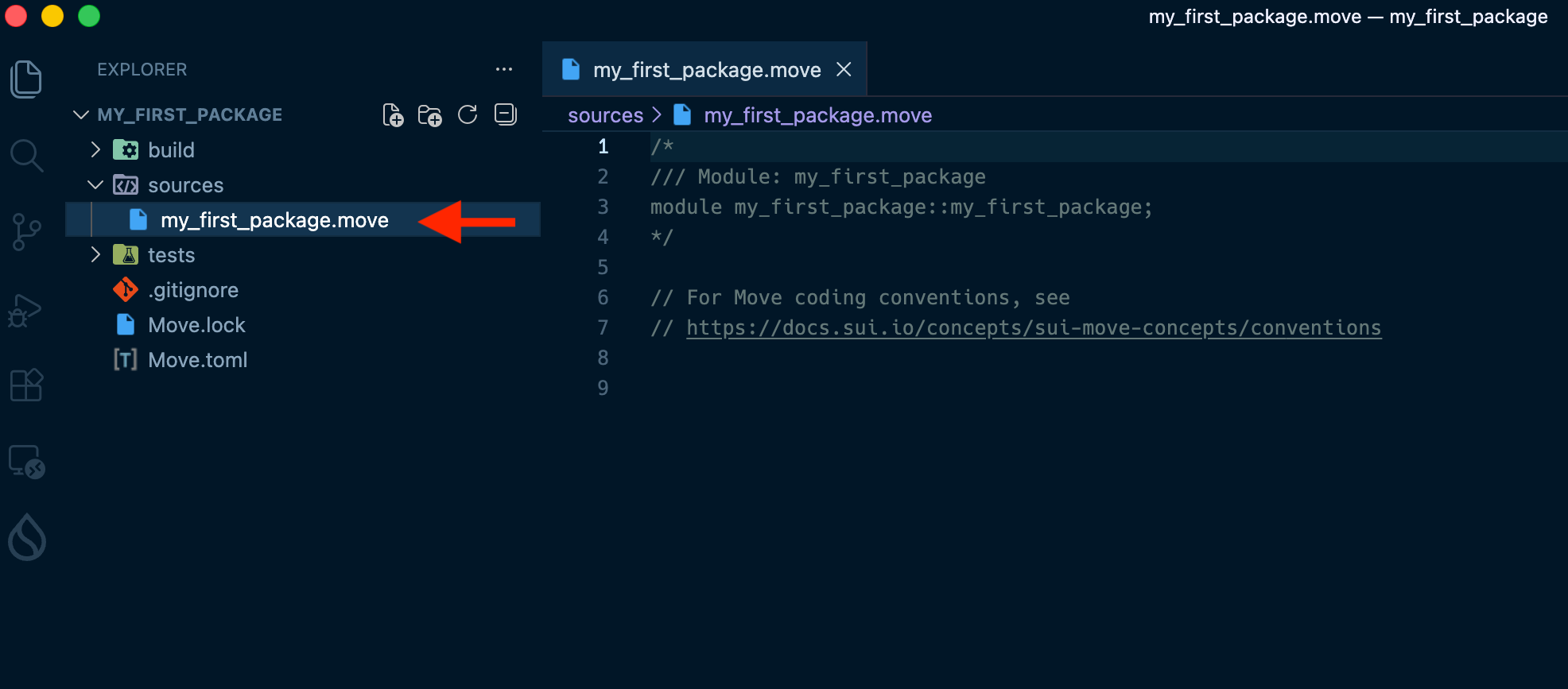
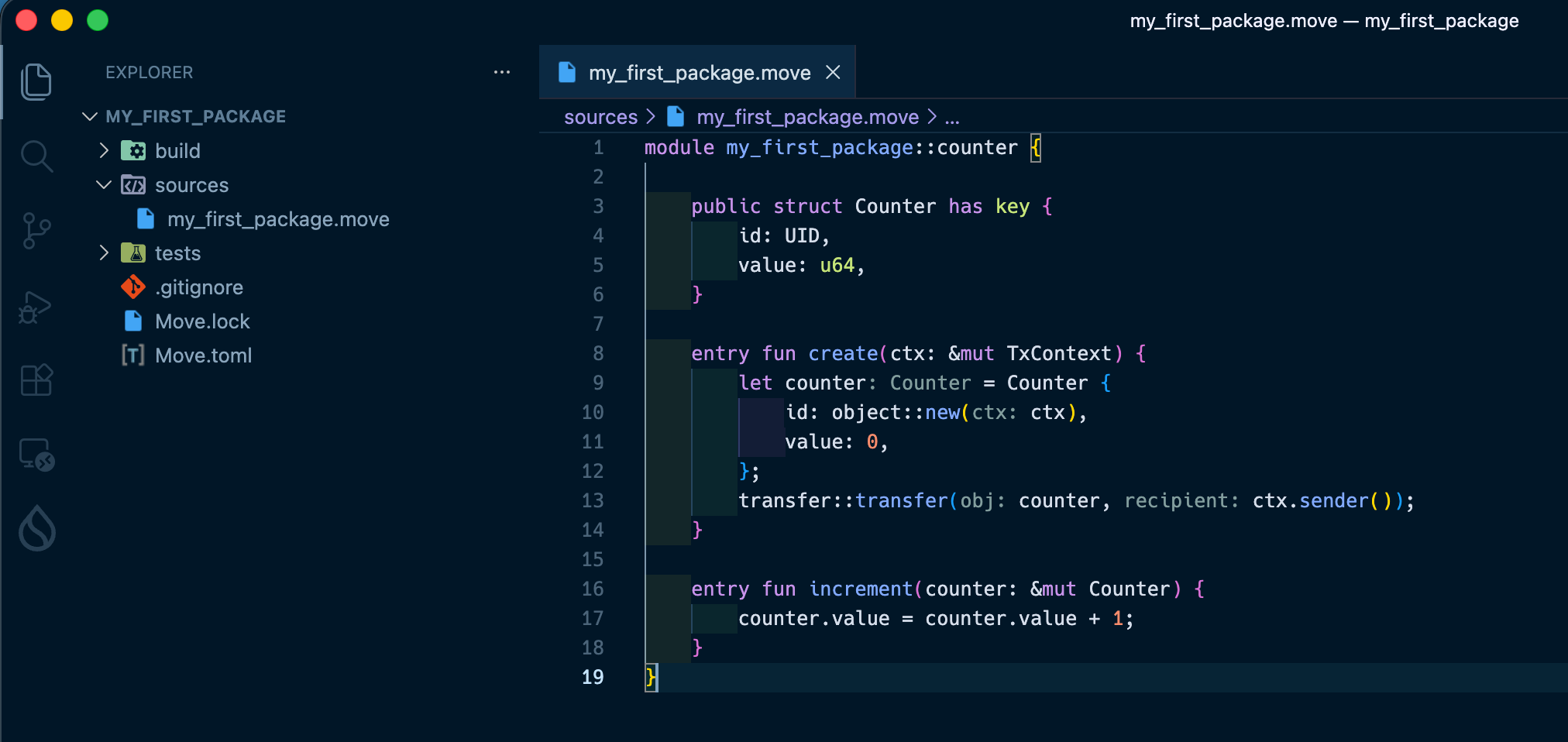
Once the code is written, run a build to check for errors.
1. Check the devnet chain identifier
sui client chain-identifier
2. Add environment config to the end of Move.toml
Use the ID displayed in the previous step (the value below is an example):
[environments]
devnet = "a63d14dc"
Note: devnet resets periodically, and the chain ID changes with each reset. If you see errors later, repeat this step to get the updated ID.
testnet and mainnet are recognized by Sui out of the box, so no extra config is needed. The [environments] entry is only required for devnet.
3. Run the build
cd ~/sui-projects/my_first_package
sui move build
A successful build looks like this:
INCLUDING DEPENDENCY MoveStdlib
INCLUDING DEPENDENCY Sui
BUILDING my_first_package
If the Sui Extension is installed, errors are highlighted in real time with red underlines in VSCode. Hover over the line to see the error message.
Common causes:
- Missing semicolons (
;) - Unclosed parentheses or braces
Understanding the Code
Let's connect what you wrote to the concepts from L13.
The entry Keyword
entry fun create(ctx: &mut TxContext) {
Adding entry makes this function directly callable as a transaction from a wallet or the CLI (sui client call).
The keyword you place before fun determines who can call it.
| Syntax | Wallet / CLI | Other contracts | When to use |
|---|---|---|---|
fun | ❌ | ❌ | Internal helpers used only within the same module |
entry fun | ✅ | ❌ | Transaction entry points called directly from a wallet or CLI |
public(package) fun | ❌ | ⚠️ Same package only | Functions shared across modules in the same package (very common) |
public fun | ✅ | ✅ | Fully open APIs — use only when truly necessary, with security in mind |
Note:
public funcan technically be invoked from a wallet, but it is primarily intended for functions that other contracts or modules need to call. When you want a function to be callable directly as a transaction,entry funis the right choice.
For create and increment here, we only need to call them from a wallet, not from other contracts — so entry fun is the perfect fit.
Note that entry fun has a few constraints:
- Return values must have the
dropability - Objects passed to an
entry funcannot be reused with other functions in the same transaction - Functions returning references (
&T/&mut T) are not callable from a wallet
About has key
public struct Counter has key {
In L13 you saw an example using has key, store. Here we only use key.
key→ Allows the struct to exist as a Sui object (required)store→ Allows it to be stored inside another object, and transferred withpublic_transfer
Since this counter won't be stored inside another object, key alone is enough. You'll see when to use both in a later lesson.
About transfer::transfer
transfer::transfer(counter, ctx.sender());
This transfers the newly created object to someone. If you try to end the function without transferring it, you'll get a compile error — that's Move's Linear Types system, which always tracks where an object goes.
ctx.sender() returns the address that submitted the transaction. By sending the counter to yourself, you become the owner of that object.
Success Checklist
- Implemented
struct Counterwithhas key - Implemented
createandincrementasentry fun - Compiled without errors (in Playground or via
sui move build)
What You Did in This Lesson
- Implemented functions callable from a wallet or CLI using
entry fun - Defined a Sui object with
has key - Used
transfer::transferto send the object to yourself - Confirmed the contract compiles without errors